🏏 India’s T20 Chase: JavaScript Array Methods in Action!

It's the T20 World Cup Final, and India is chasing 200 runs in 20 overs. The team needs smart strategies—just like JavaScript array methods help in coding. Lets see how the team uses these methods for a succesful chase!
1st Over: push() – Sending the Openers to Bat
"Match shuru! Players ko bhejo crease pe!"
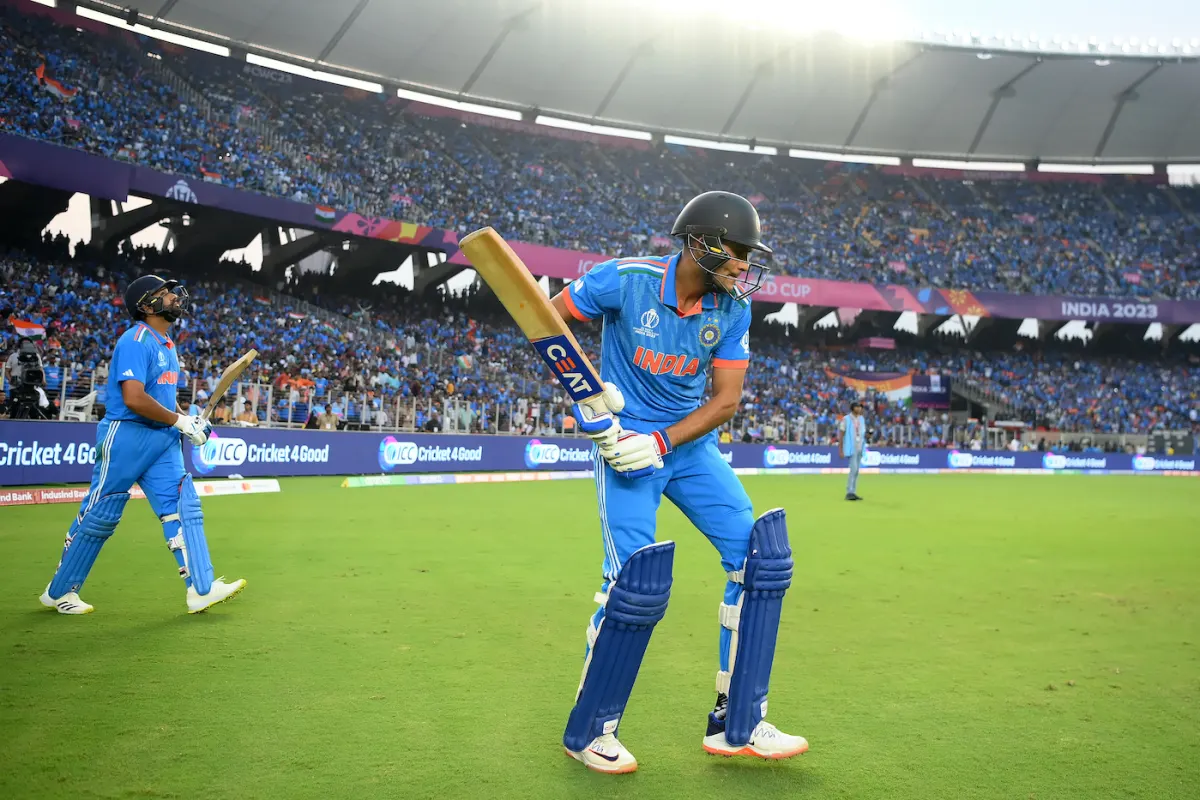
Just like push() adds new elements to the end of an array, the Indian team sends Rohit Sharma and Shubman Gill to open the innings.
let battingOrder = [];
battingOrder.push("Rohit", "Gill");
// ["Rohit", "Gill"]
This method is used when we want to add a new item at the last position in an array.
3rd Over: pop() – First Wicket Falls!
"Ek player out! Wapas pavilion!"
Gill misjudges a bouncer and gets caught. The team removes the last batsman from the batting lineup using pop(), which removes the last element from an array.
battingOrder.pop();
// ["Rohit"]
This method is useful when we need to remove the last item from an array dynamically.
5th Over: map() – Running Between the Wickets
"Singles ko doubles banao, strike rotate karo!"
The batsmen focus on converting singles into doubles, just like map() is used to modify each element of an array and return a new one.
let runs = [1, 2, 1, 3];
let convertedRuns = runs.map(run => run + 1);
// [2, 3, 2, 4]
)
The map() method is perfect for transforming data without changing the original array.
7th Over: filter() – No Dot Balls Allowed!
"Sirf scoring shots rakho, dot balls hatao!"
Like removing unnecessary dot balls, filter() removes unwanted elements from an array based on a condition.
let deliveries = [0, 4, 1, 0, 6, 2];
let scoringShots = deliveries.filter(run => run > 0);
// [4, 1, 6, 2]
This method is best when we need to filter out certain values from an array based on a rule.
10th Over: forEach() – Live Commentary!
"Har ball ka update dena zaroori hai!"
Harsha Bhogle keeps the audience engaged by describing each ball. forEach() executes a function for each element in an array.
let players = ["Rohit", "Kohli", "Pandya"];
players.forEach(player => console.log(`${player} is batting well!`));
This method is useful when we want to iterate over an array and perform an action for each item.
14th Over: indexOf() – Finding the Finisher!
"Dhoni kaha hai? Finish karne wala chahiye!"
The dugout checks if Dhoni is ready, just like indexOf() helps us find the position of an element in an array.
let squad = ["Gill", "Rohit", "Kohli", "Pandya", "Dhoni"];
let finisherPosition = squad.indexOf("Dhoni");
// 4
This method is useful when we need to search for an item in an array and find its index.
16th Over: includes() – Checking Match Status!
"Kya match jeetne ka chance hai?"
The team checks if winning is still possible, just like includes() checks if an element exists in an array and returns true or false.
let chances = ["win", "lose", "tie"];
let hope = chances.includes("win");
// true
This method is great when we need to verify the presence of an item in an array.
17th Over: find() – Waiting for the Perfect Shot!
"Ek loose ball chahiye six maarne ke liye!"
Kohli waits for a full toss to hit a six. find() returns the first element that matches a condition.
let deliveries = ["bouncer", "yorker", "full toss", "slow ball"];
let hittable = deliveries.find(ball => ball === "full toss");
// "full toss"

This method is useful when we need to find the first occurrence of a specific element.
18th Over: slice() – Focus on Death Overs!
"Sirf last 3 overs ka data chahiye!"
The analysts look at only the last three overs, just like slice() extracts a section of an array without modifying it.
let overs = [1, 2, 3, 4, 5, 6, 7, 8, 9, 10, 11, 12, 13, 14, 15, 16, 17, 18, 19, 20];
let deathOvers = overs.slice(17, 20);
// [18, 19, 20]
This method is useful when we need to create a smaller part of an array without modifying the original.
20th Over: reduce() – Calculating the Final Runs!
"Sab runs add karo, jeet confirm!"
India needs 12 runs off the last over. reduce() adds up all values in an array to get the final score.
let lastOverRuns = [1, 2, 4, 6];
let total = lastOverRuns.reduce((sum, run) => sum + run, 0);
// 13
This method is useful when we need to combine all elements in an array to get a single result.
🏆 India Wins the Match!

The stadium erupts, and fans chant: “Push() kiya, pop() nahi hone diya!” 🎉
This match was a perfect example of how JavaScript array methods help organize and manipulate data—just like India planned its T20 chase!
These 10 JavaScript methods are essential for handling data in web development, apps, and real-world applications.


